
Download NASA – space missions, space exploration, space news, satellite tracking, NASA app, Android app, space facts, astronomy, space science, space technology
Overview
The NASA app is a dedicated mobile tool designed to keep users informed about current and upcoming space missions, space science developments, and key announcements from the National Aeronautics and Space Administration. Tailored for enthusiasts, students, educators, and general audiences interested in space exploration, the app serves as a real-time window into NASA’s ongoing activities across Earth orbit, the solar system, and beyond. It enables users to monitor mission timelines, view multimedia content, and access mission-specific updates through a clean and intuitive interface.
The primary purpose of the application is to enhance public engagement with space science by delivering timely, accurate, and accessible information directly to Android devices. While the developer, NASA, is well-known for its contributions to aerospace research and public outreach, the app itself focuses exclusively on mission tracking and educational content. Real-world use cases include tracking the International Space Station’s orbit for nighttime observation, following Mars rover progress, or staying updated on major launches and scientific discoveries.
The app does not include advanced analytical tools or interactive simulations, but it effectively fulfills its core mission of information dissemination.
Key Features & Capabilities
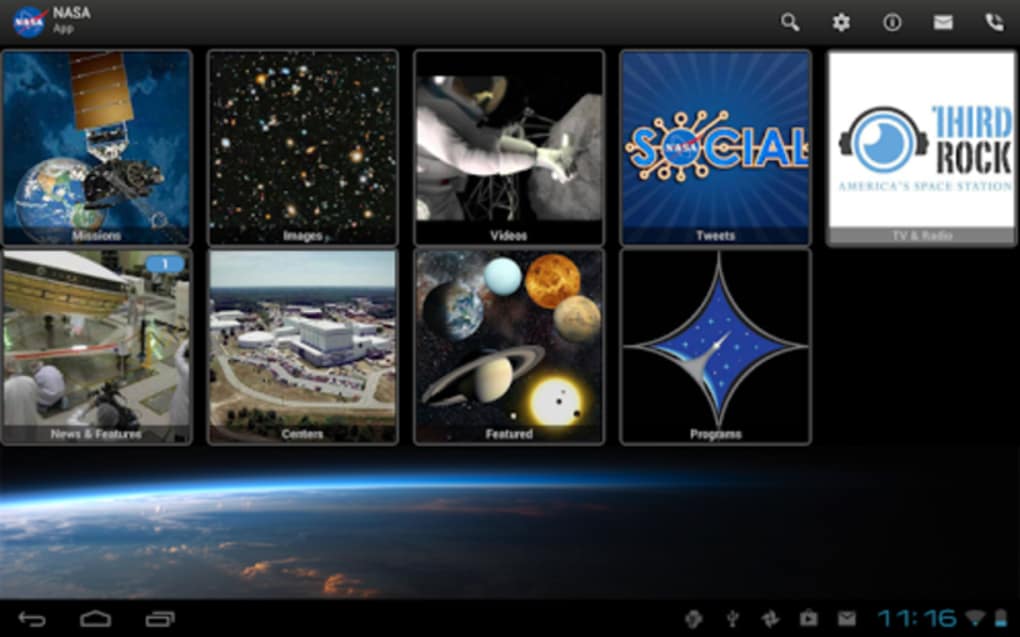
- Mission Tracking Dashboard – Displays a curated list of active NASA missions, each with a real-time counter showing elapsed time since launch. This feature allows users to visualize the duration of long-term missions and appreciate their scale and progression.
- Interactive Mission Profiles – Tapping any mission opens a detailed profile with descriptions, mission objectives, key milestones, and multimedia content such as photos and videos.
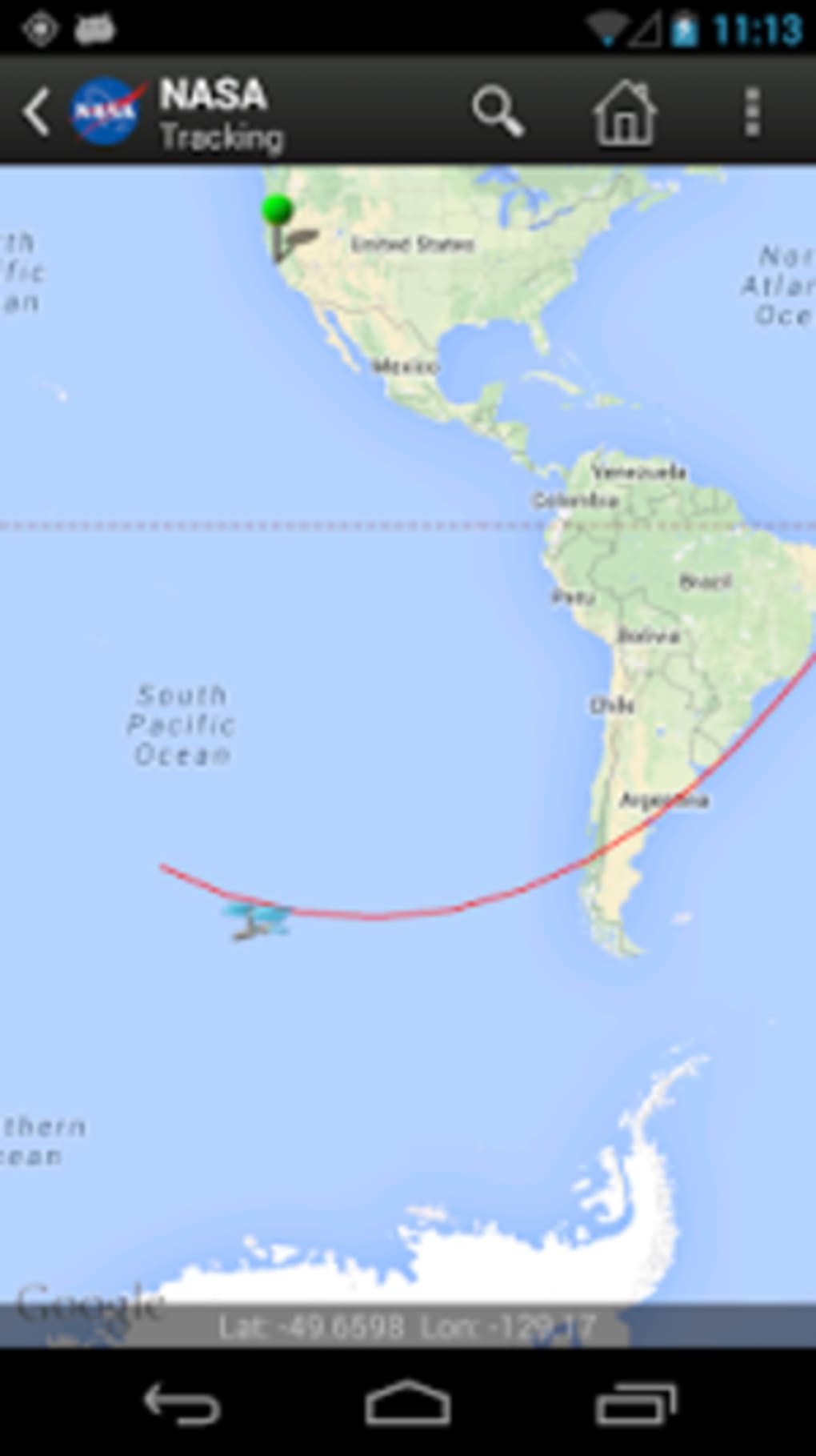
- Satellite and Spacecraft Position Tracking – Offers orbital visibility predictions for objects like the International Space Station, enabling users to plan observations based on their geographic location and time.
- Real-Time Updates and News Feed – Delivers the latest NASA announcements, press releases, and mission status updates directly within the app, ensuring users stay current with space science developments.
- Content Sharing via Email – Allows users to share interesting mission details, images, or updates with others by linking their email account, facilitating personal or educational outreach.
These features are particularly useful for amateur astronomers, educators preparing classroom materials, or space enthusiasts following specific missions like Artemis or Perseverance. The app’s streamlined workflow ensures that users can access mission data quickly without unnecessary navigation layers. While it lacks advanced data visualization or telemetry, its focus on clarity and accessibility makes it effective for general audiences seeking reliable space-related information.
User Interface, Workflow & Performance
The user interface is minimalistic and structured around a central mission list, with a consistent layout that prioritizes readability and ease of access. Navigation is linear and intuitive—tapping a mission from the main screen leads directly to its detailed page. The app maintains a stable performance across various Android devices, though specific performance metrics were not disclosed by the developer.
Users can expect smooth transitions between screens, with no reported lag or crashes in typical usage scenarios. The absence of configuration options suggests a design philosophy centered on simplicity and immediate usability. The app does not require user accounts for basic functionality, and all content is delivered through a centralized feed.
The developer did not specify resource usage details, so CPU and RAM behavior remain unknown. However, based on its 32.4 MB file size, the app is lightweight and likely optimized for low-bandwidth environments. General software behavior patterns suggest it runs efficiently on modern Android devices without significant background activity.
Compatibility & System Requirements
The NASA app is designed for Android operating systems and is compatible with devices running Android 6.0 and above. The current version is 1.10.0, released on May 15, 2024. The installation size is 32.4 MB, indicating a compact footprint suitable for devices with limited storage.
Exact system requirements were not listed, so users should ensure their device meets general Android compatibility standards. The app does not require a specific processor, GPU, or additional hardware to function. Platform compatibility information is limited to Android, with no indication of support for iOS, Windows, or other operating systems.
Users should verify device compatibility through the Google Play Store before installation. The app is available as a free download, with no in-app purchases or subscription fees.
Pros and Cons
Pros
- Free to download and use with no in-app purchases
- Lightweight installation size (32.4 MB)
- Intuitive interface ideal for non-technical users
- Real-time tracking of missions and satellite passes
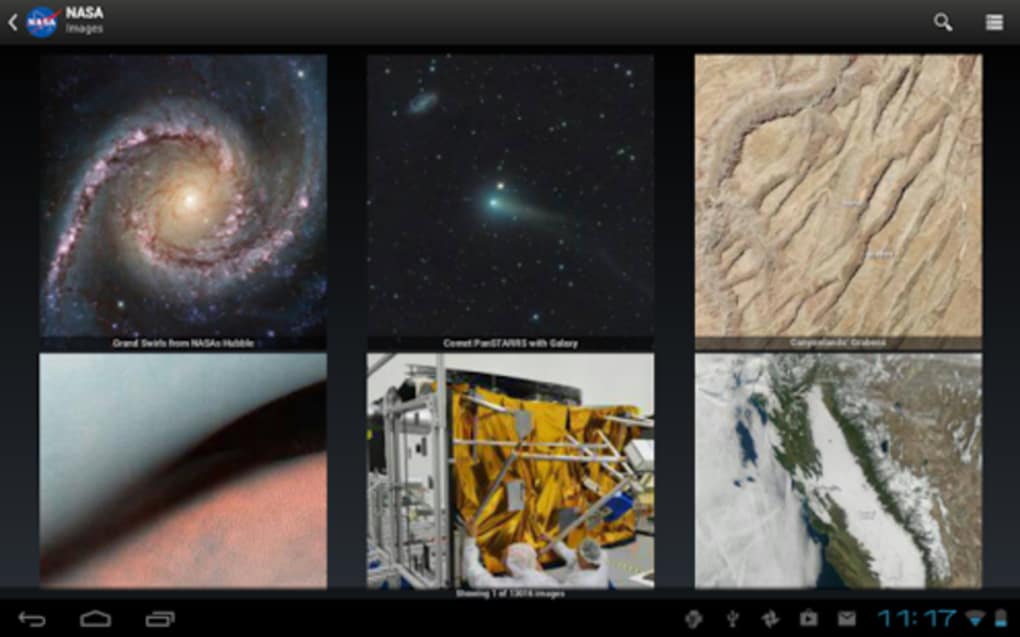
- Rich multimedia content including photos and videos
- Direct access to NASA’s official news and updates
Cons
- Limited to Android platform; no iOS or desktop support
- Lacks detailed tracking data for missions beyond Earth orbit
- No advanced customization or personalization options
- Content sharing requires email integration, which may be a barrier for some users
- No offline mode for mission data or media
FAQ Section
Is the NASA app available for iOS devices?
The app is currently only available for Android. There is no official iOS version provided by NASA at this time.
Can I use the app without an internet connection?
The app requires an active internet connection to access live mission data, updates, and satellite tracking features. Offline functionality is not supported.
Is the app safe to download and use?
Yes, the app is developed and distributed by NASA, a trusted government agency. It is available through the official Google Play Store, ensuring a secure and verified download.
How often does the app receive updates?
Updates are released periodically to improve functionality, fix bugs, and add new mission data. The latest version, 1.10.0, was published on May 15, 2024.
Does the app require a user account?
No, the app does not require registration or a user account. Basic features are accessible immediately upon installation.
Final Thoughts
The NASA app delivers a focused, reliable, and educational experience for anyone interested in space exploration. Its clean design, real-time mission tracking, and integration with official NASA content make it a valuable tool for students, educators, and space enthusiasts. While it lacks advanced features such as offline access or detailed interplanetary trajectory data, its strengths lie in accessibility and accuracy.
The app excels at simplifying complex space missions into digestible, engaging content. For users seeking a straightforward way to follow NASA’s work—from the International Space Station to Mars rovers—this application stands out as a trustworthy and efficient resource. It is especially effective for those who want to stay informed about upcoming launches or track celestial objects visible from their location.
Download NASA now to stay connected with humanity’s journey beyond Earth.





.png)

